Overview
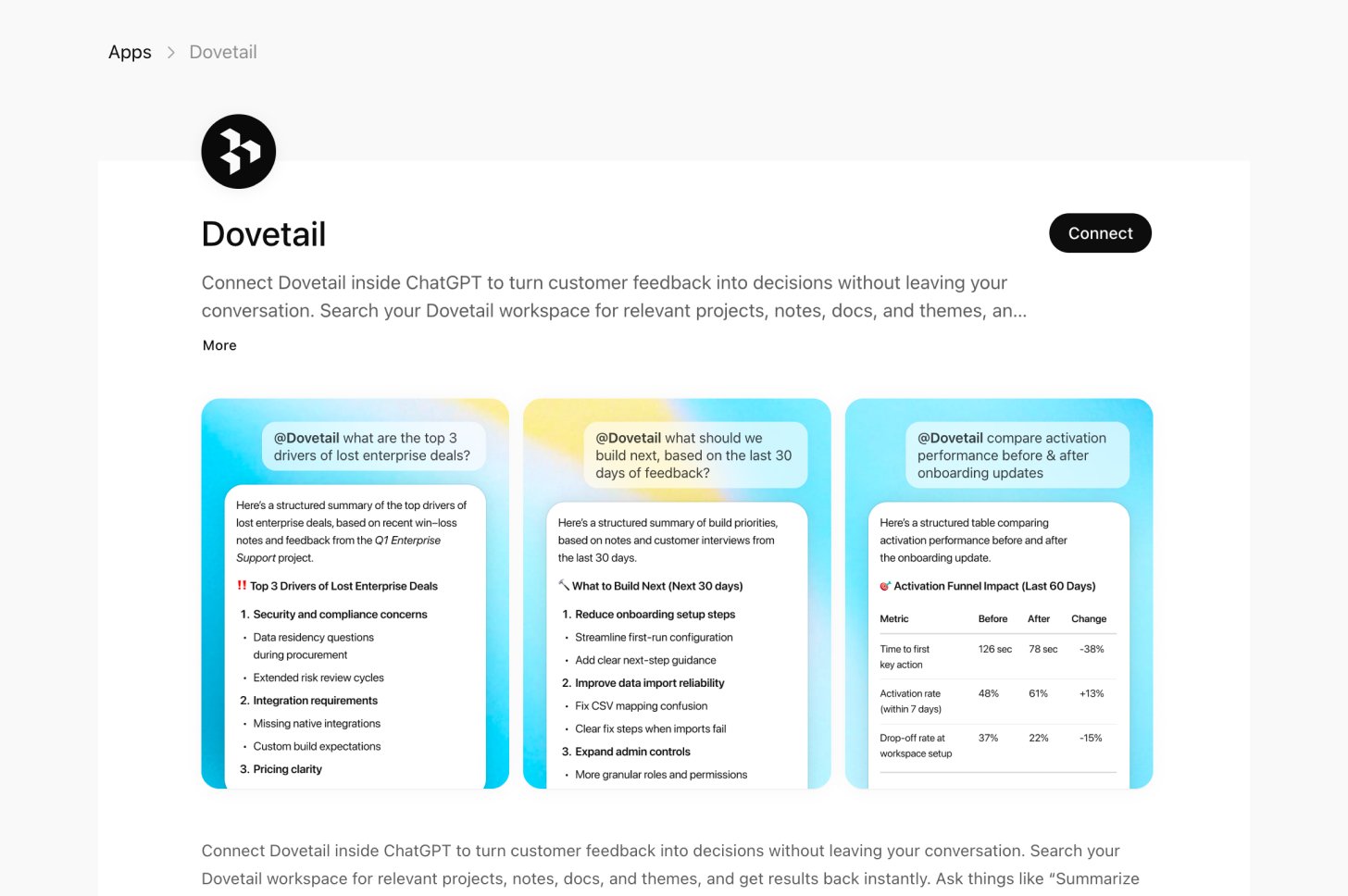
Bring your customer research into ChatGPT. Search your OCSEE workspace, pull docs and customer quotes, and use real research to write PRDs, shape roadmaps, or prepare stakeholder summaries, all from a ChatGPT conversation. ChatGPT is a first-party integration, no manual server configuration or API tokens needed. It uses OAuth, so you just sign in and authorize.Supported capabilities
Connect OCSEE to Chat GPT
- Sign in to OCSEE with your usual credentials
- Go to ChatGPT OCSEE app
- Click “Connect”
- Authorize access. Grant ChatGPT permission to access your OCSEE workspace
- Start asking questions ChatGPT can now search your workspace, read project docs, and surface customer highlights. Use that research as grounded evidence to write PRDs, prioritize roadmaps, stakeholder summaries, all without leaving the conversation.
Using OCSEE in your prompts
After connecting, you can reference OCSEE data in your prompts.- Open a new chat in ChatGPT
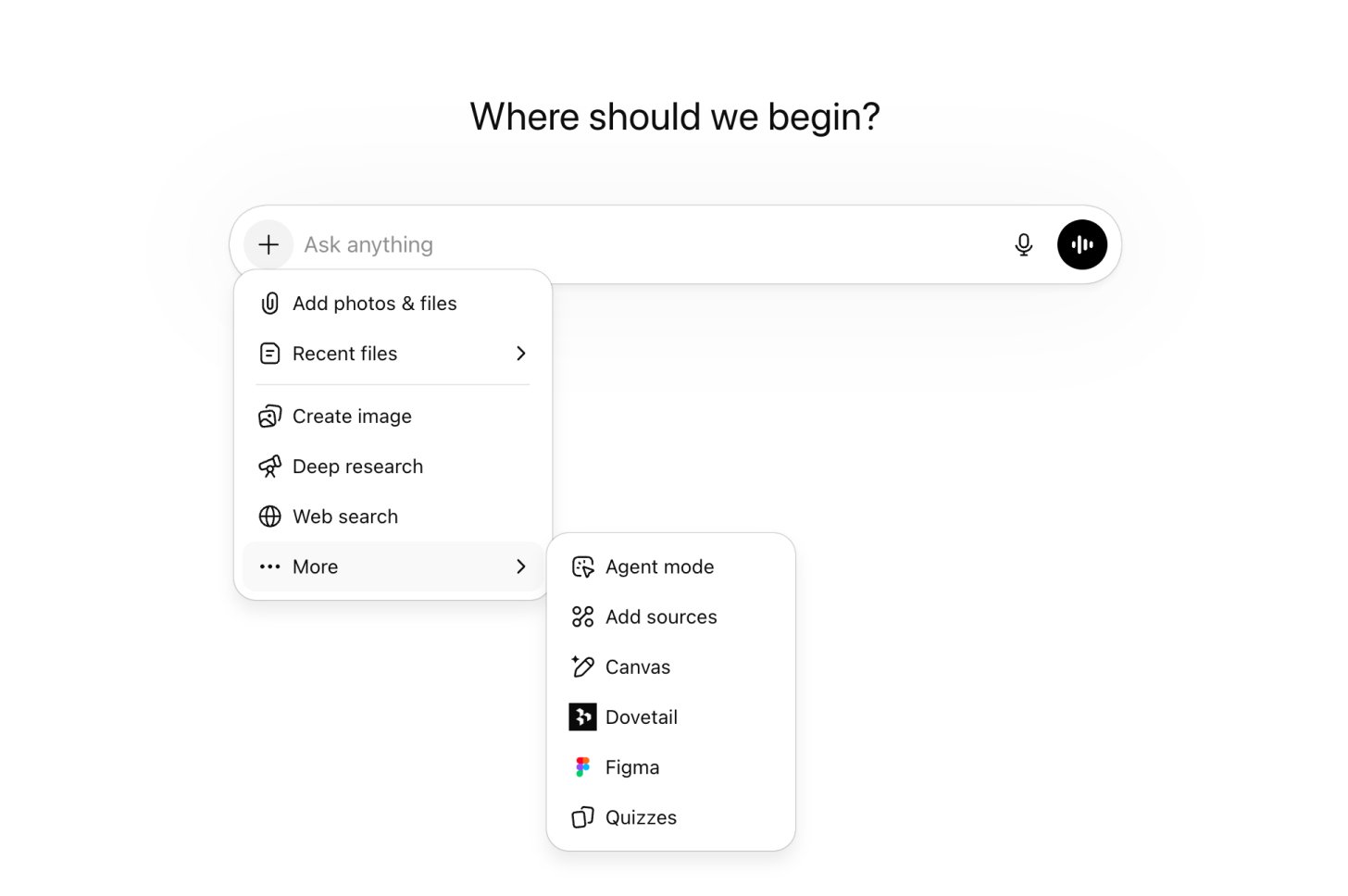
- Click [+] next to the message input to open the tools menu and select […] More, then choose OCSEE from the list
- A OCSEE badge will appear at the bottom of the input box. ChatGPT will now use your workspace as context for that conversation.
Example: writing a PRD
Example: building a roadmap
Example: competitive analysis
Tips
Use exact project names
Use exact project names
ChatGPT matches against your workspace, so ask it to list projects first if you’re unsure.
Combine tools in one conversation
Combine tools in one conversation
The best results come from chaining search, docs, and highlights together, e.g. “Search for X, then get the full doc, then pull supporting quotes”.
Filter by content type
Filter by content type
Ask ChatGPT to search only highlights or only docs if results are too broad.
Page through large projects
Page through large projects
Results return 20 items at a time. Ask ChatGPT to “get the next page” for more.